The where and when — filled in for you.
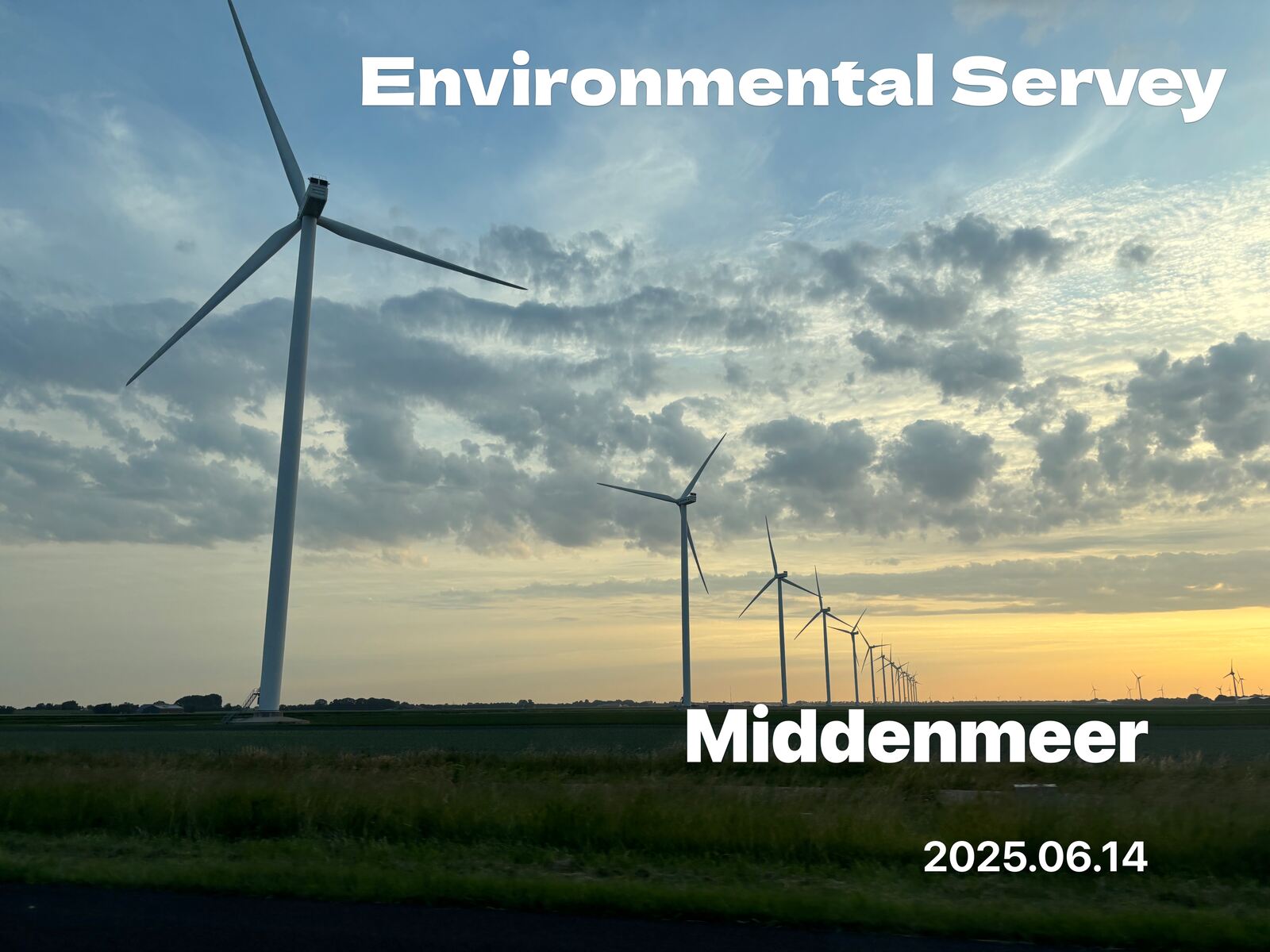
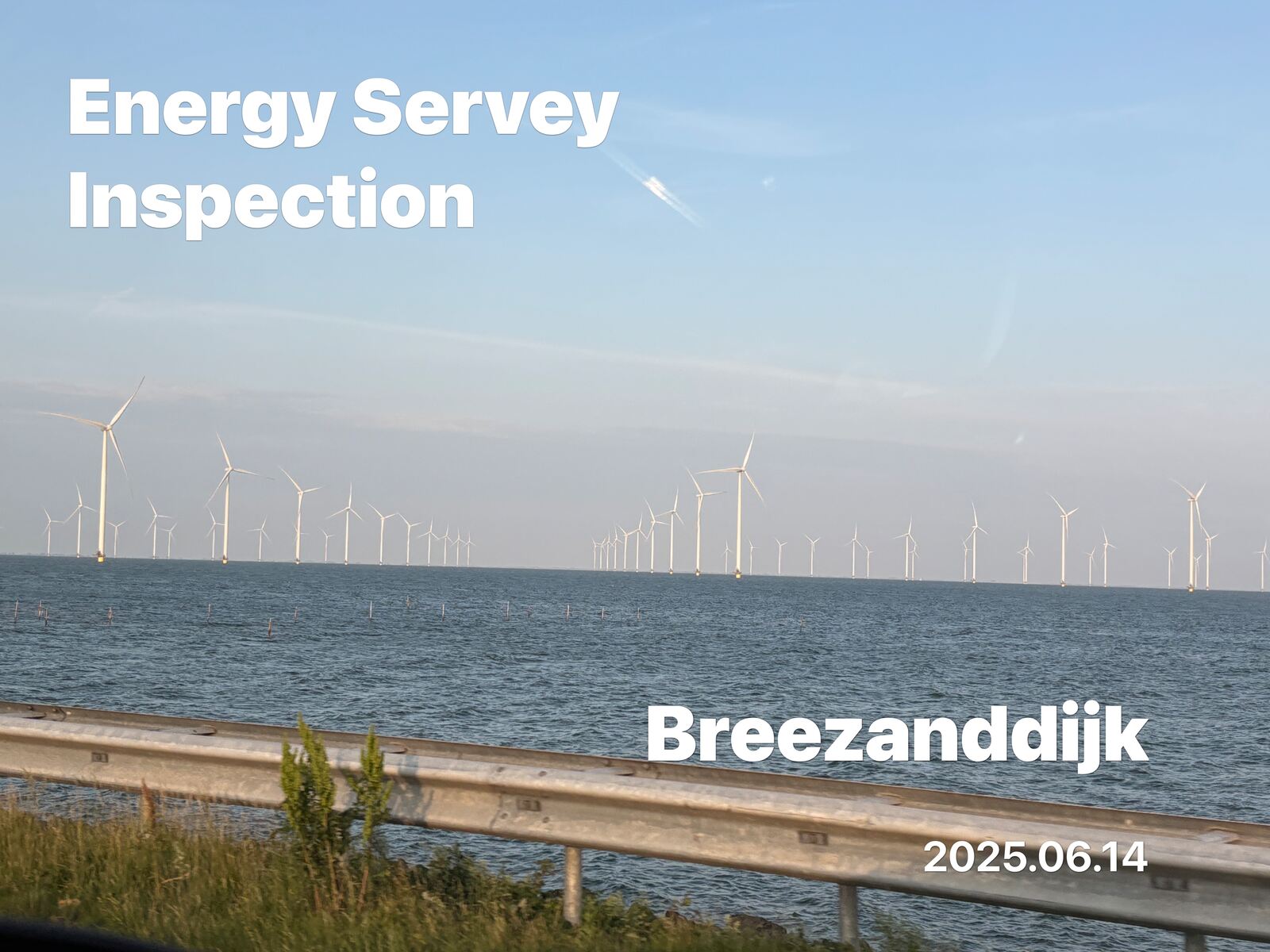
Just shoot on-site. The place and date stamp themselves into every photo — no captions, no sorting, no “where was this again?”
Photos are processed on-device and never uploaded.


Is that photo busywork piling up?
Labeling and captioning after the shoot eats time
Every shoot means typing in the place and date afterward. The more photos, the more that labeling and captioning adds up.
“Which site is this?” turns into back-and-forth
The image alone doesn't say where it was taken, so “which site is this?” becomes a repeated round of messages.
Sharing and uploading strips the location
Forward a photo to social or chat and its location metadata is often lost — so later, there's no tracing where it was taken.
Available today
Install and just shoot. These four are ready today.
Automatic stamp
The place name and date burn into the photo the moment you shoot — no typing when suggestions come up.
Burned in to stay
The stamp lives in the image itself — it survives forwarding, social, chat, and print (it's not metadata).
On-device
Photos never go to the cloud — everything is processed on the device, so client and site photos stay safe.
Polished to fit
Multiple fonts and layouts let you match the look to your use case and your team's style.
Out in the field
International development & aid
Document overseas work with place and date built in — ready as-is for reports and updates to funders and supporters.
NPO & foundation reporting
Drop grant-program field photos straight into reports, no sorting — shoot and the when and where are already there.
CSR & sustainability
Record social and environmental programs with place and date — ready for reports and external communications.
Conservation & the environment
Capture tree-planting, conservation, and field work so the when and where read at a glance — and the work adds up visibly over time.
Company name & logo
Frequently asked questions
Take the busywork out of documentation.
Download free on the App Store and try it solo right now. For unified company name & logo display, just reach out.